

Managing Organisations
Overview
In Xenith, each organisation represents a distinct merchant account with its own data, configurations, balances, and access permissions. This structure ensures secure separation between different business entities or operational setups within the platform.
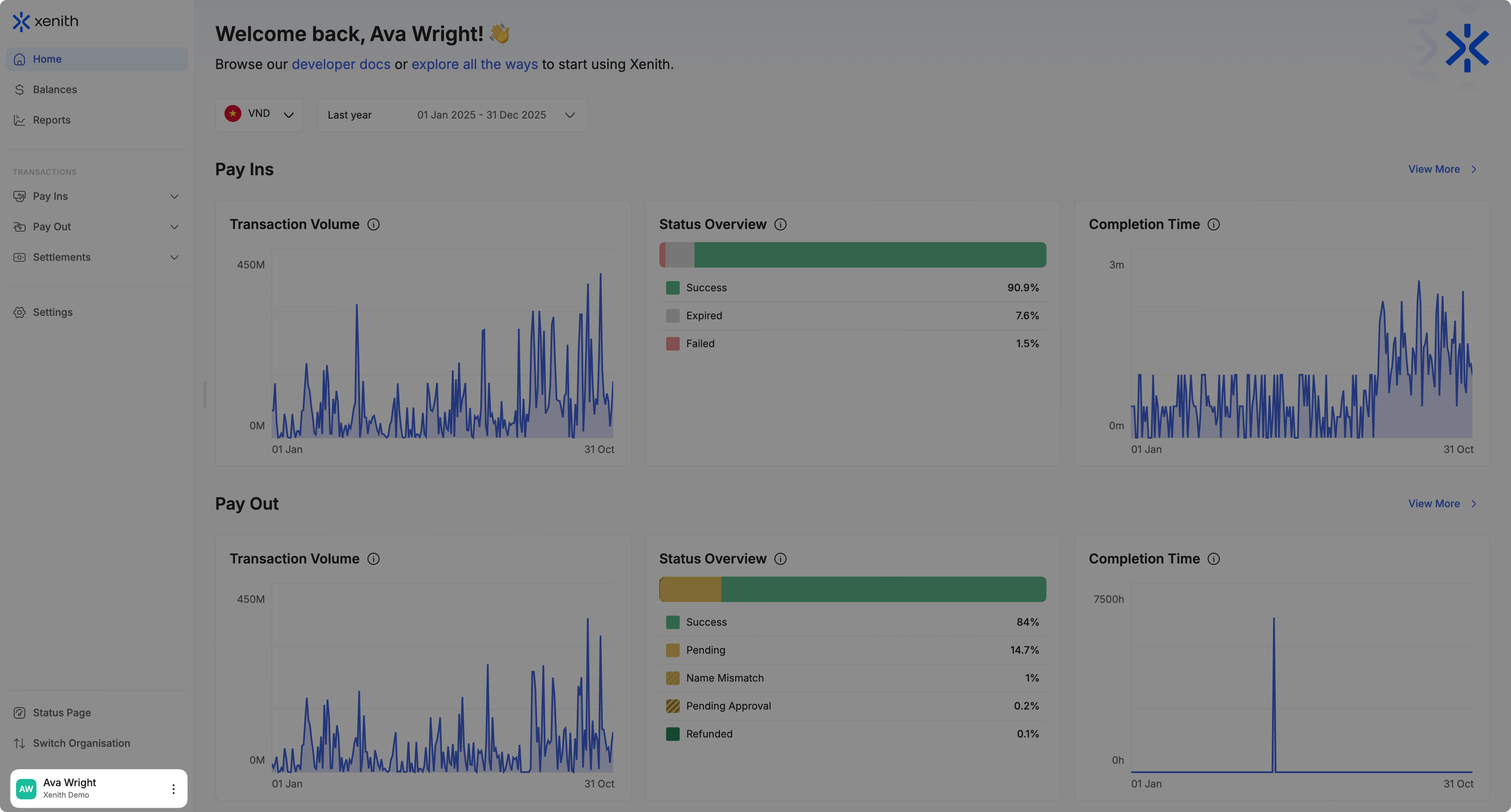
Your account is identified by your email address and may be granted access to one or multiple organisations. When you have access to more than one organisation, you can switch between them seamlessly. The currently active organisation is displayed at the bottom-left corner of the dashboard, allowing you to clearly identify the workspace you are viewing at any time.
Switching Organisations
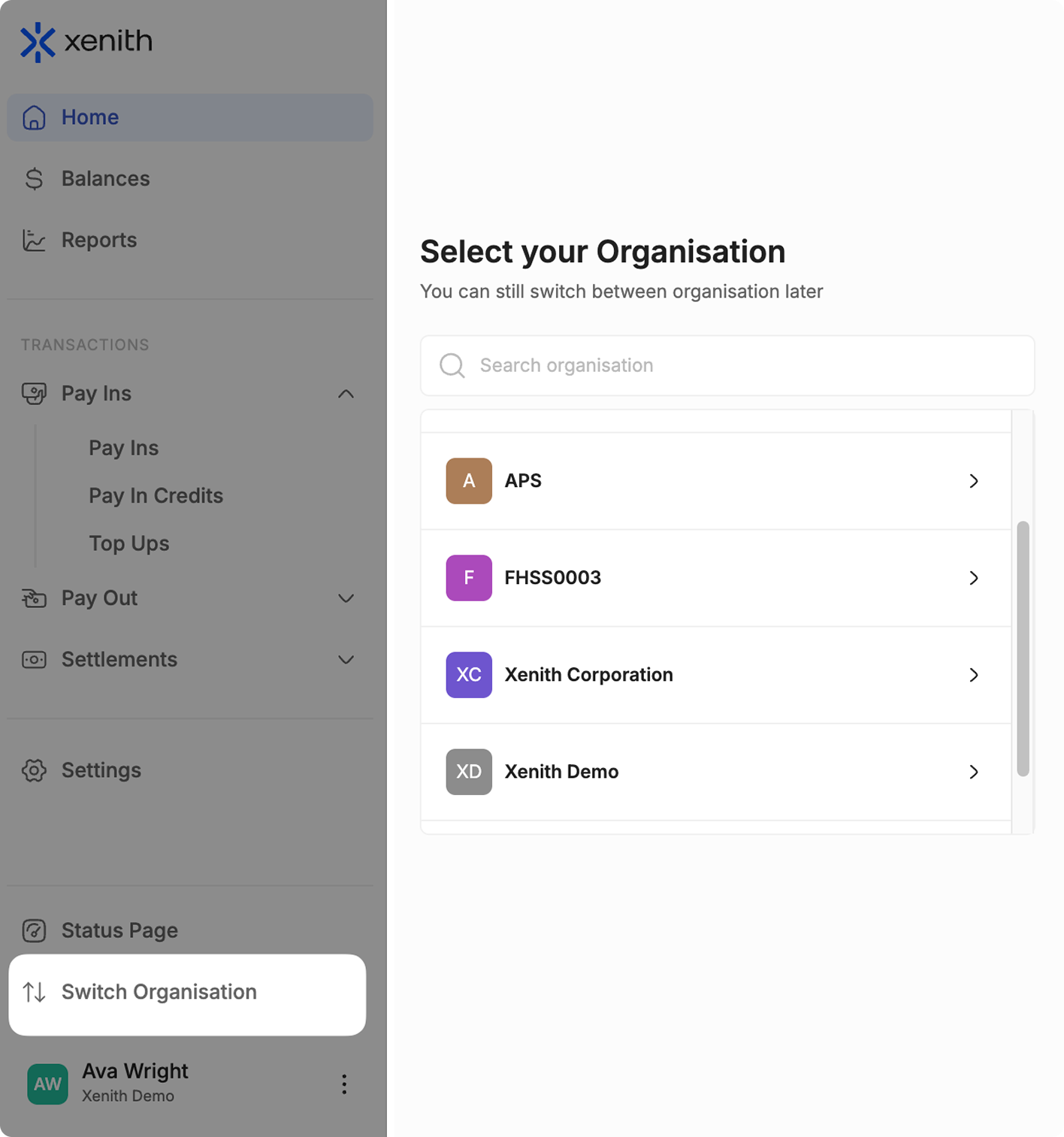
Switching organisations does not require separate login credentials and allows you to manage multiple merchant accounts efficiently under a single user account. If your account has access to multiple organisations, you can switch between them in the following ways:
- During Login: After signing in, you will be prompted to select the organisation you wish to access.
- Within the Dashboard: While logged in, click the Switch Organisation option to select and move to another organisation.
Organisation Grouping
For businesses that require multiple merchant IDs — such as separating operations by currency (e.g., IDR and MYR) or by business line — Xenith supports organisation grouping.
Organisation grouping enables structured management of multiple organisations while maintaining consolidated visibility, including aggregated balances through the Financial Hub.
If you require organisation grouping, please contact our support team at [email protected] or reach out via your agreed communication channel.
Updated 6 months ago